pyvista.Plotter.enable_ssao#
- Plotter.enable_ssao(radius=0.5, bias=0.005, kernel_size=256, blur=True)[source]#
Enable surface space ambient occlusion (SSAO).
SSAO can approximate shadows more efficiently than ray-tracing and produce similar results. Use this when you wish to plot the occlusion effect that nearby meshes have on each other by blocking nearby light sources.
See Kitware: Screen-Space Ambient Occlusion for more details
- Parameters:
- radius
float, default: 0.5 Neighbor pixels considered when computing the occlusion.
- bias
float, default: 0.005 Tolerance factor used when comparing pixel depth.
- kernel_size
int, default: 256 Number of samples used. This controls the quality where a higher number increases the quality at the expense of computation time.
- blurbool, default:
True Controls if occlusion buffer should be blurred before combining it with the color buffer.
- radius
Examples
Generate a
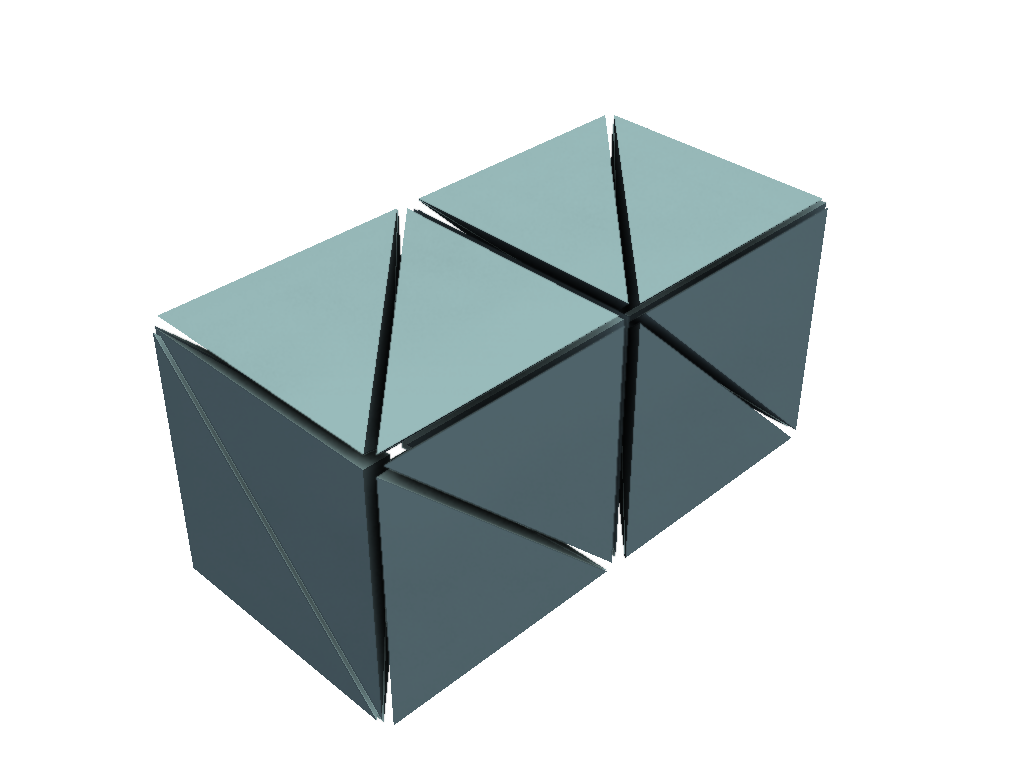
pyvista.UnstructuredGridwith many tetrahedrons nearby each other and plot it without SSAO.>>> import pyvista as pv >>> ugrid = pv.ImageData(dimensions=(3, 2, 2)).to_tetrahedra(12) >>> exploded = ugrid.explode() >>> exploded.plot()
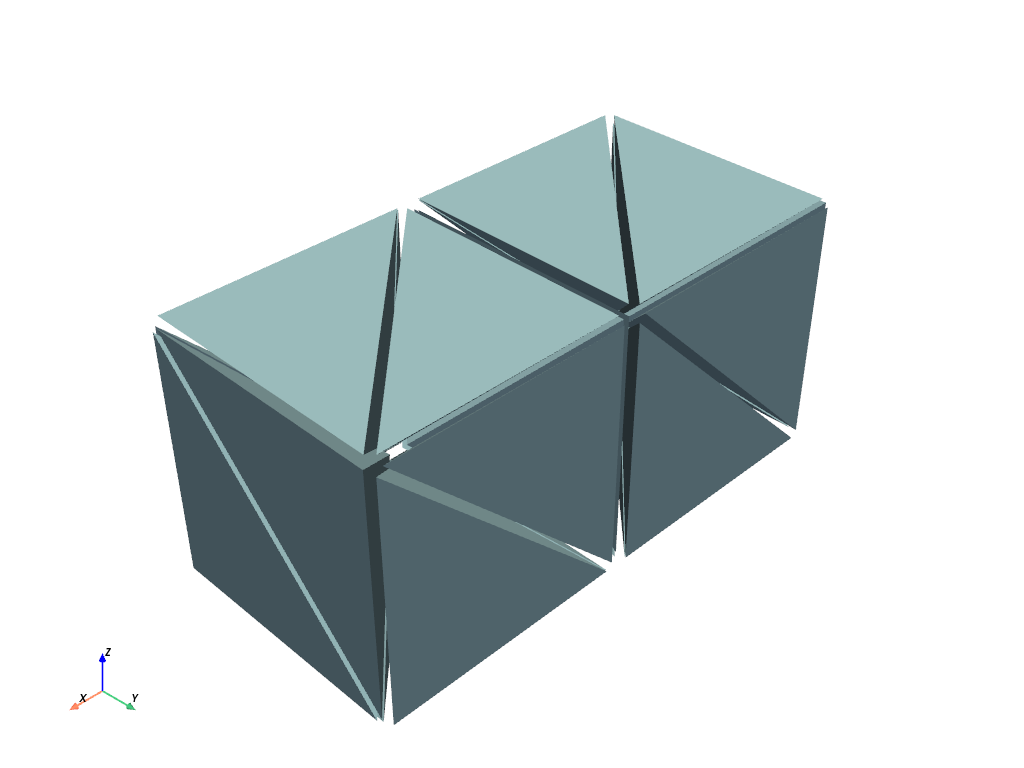
Enable SSAO with the default parameters.
>>> pl = pv.Plotter()
>>> _ = pl.add_mesh(exploded)
>>> pl.enable_ssao()
>>> pl.show()