pyvista.Plotter.remove_scalar_bar#

Plotter.remove_scalar_bar(title=None, render=True)[source]#

Remove a scalar bar.

Parameters:
titlestr, optional

Title of the scalar bar to remove. Required if there is more than one scalar bar.

renderbool, default: True

Render upon scalar bar removal. Set this to False to stop the render window from rendering when a scalar bar is removed.

Examples

Remove a scalar bar from a plotter.

>>> import pyvista as pv
>>> mesh = pv.Sphere()
>>> mesh['data'] = mesh.points[:, 2]
>>> pl = pv.Plotter()
>>> _ = pl.add_mesh(mesh, cmap='coolwarm')
>>> pl.remove_scalar_bar()
>>> pl.show()
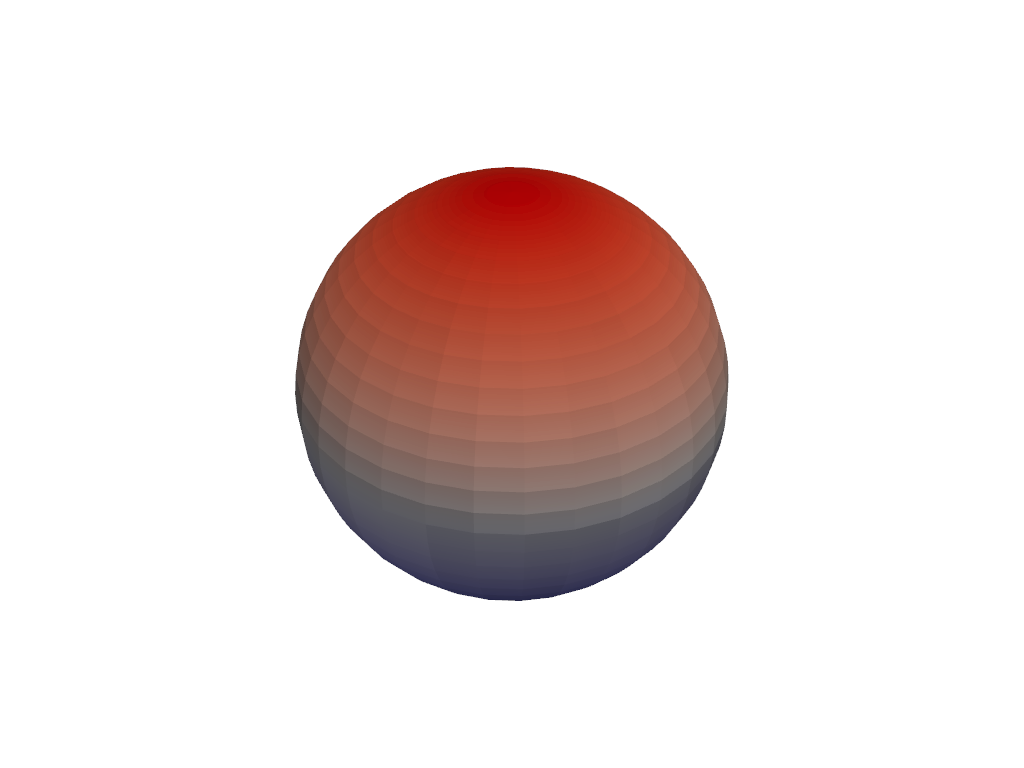
https://d33wubrfki0l68.cloudfront.net/f521e7c90074660d694d4b1f29b1154c5abfff7d/fa873/_images/pyvista-plotter-remove_scalar_bar-1_00_00.png