pyvista.Plotter.remove_background_image#
- Plotter.remove_background_image()[source]#
Remove the background image at the current renderer.
Examples
>>> import pyvista
>>> from pyvista import examples
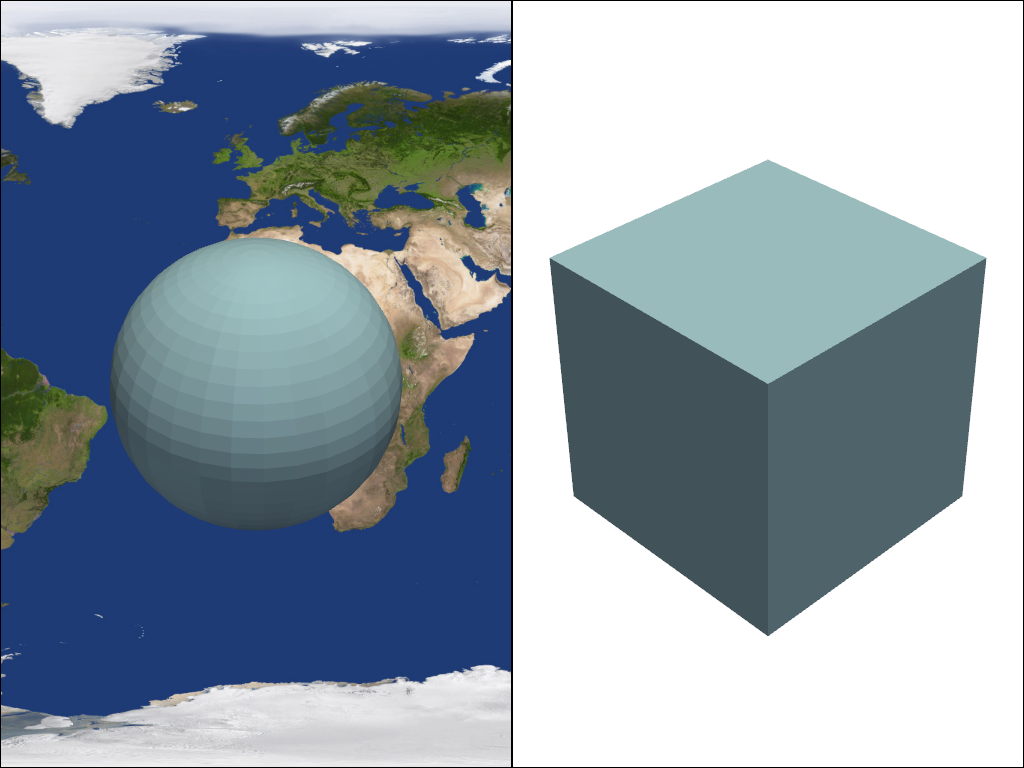
>>> pl = pyvista.Plotter(shape=(1, 2))
>>> pl.subplot(0, 0)
>>> actor = pl.add_mesh(pyvista.Sphere())
>>> pl.add_background_image(examples.mapfile, as_global=False)
>>> pl.subplot(0, 1)
>>> actor = pl.add_mesh(pyvista.Cube())
>>> pl.add_background_image(examples.mapfile, as_global=False)
>>> pl.remove_background_image()
>>> pl.show()