pyvista.Plotter.add_box_widget#
- Plotter.add_box_widget(callback, bounds=None, factor=1.25, rotation_enabled=True, color=None, use_planes=False, outline_translation=True, pass_widget=False, interaction_event='end')[source]#
Add a box widget to the scene.
This is useless without a callback function. You can pass a callable function that takes a single argument, the PolyData box output from this widget, and performs a task with that box.
- Parameters:
- callback
callable() The method called every time the box is updated. This has two options: Take a single argument, the
PolyDatabox (default) or ifuse_planes=True, then it takes a single argument of the plane collection as avtkPlanesobject.- bounds
tuple(float) Length 6 tuple of the bounding box where the widget is placed.
- factor
float,optional An inflation factor to expand on the bounds when placing.
- rotation_enabledbool,
optional If
False, the box widget cannot be rotated and is strictly orthogonal to the Cartesian axes.- color
ColorLike,optional Either a string, rgb sequence, or hex color string. Defaults to
pyvista.global_theme.font.color.- use_planesbool,
optional Changes the arguments passed to the callback to the planes that make up the box.
- outline_translationbool,
optional If
False, the box widget cannot be translated and is strictly placed at the given bounds.- pass_widgetbool,
optional If
True, the widget will be passed as the last argument of the callback.- interaction_event
vtk.vtkCommand.EventIds,str,optional The VTK interaction event to use for triggering the callback. Accepts either the strings
'start','end','always'or avtk.vtkCommand.EventIds.Changed in version 0.38.0: Now accepts either strings or
vtk.vtkCommand.EventIds.
- callback
- Returns:
vtk.vtkBoxWidgetBox widget.
Examples
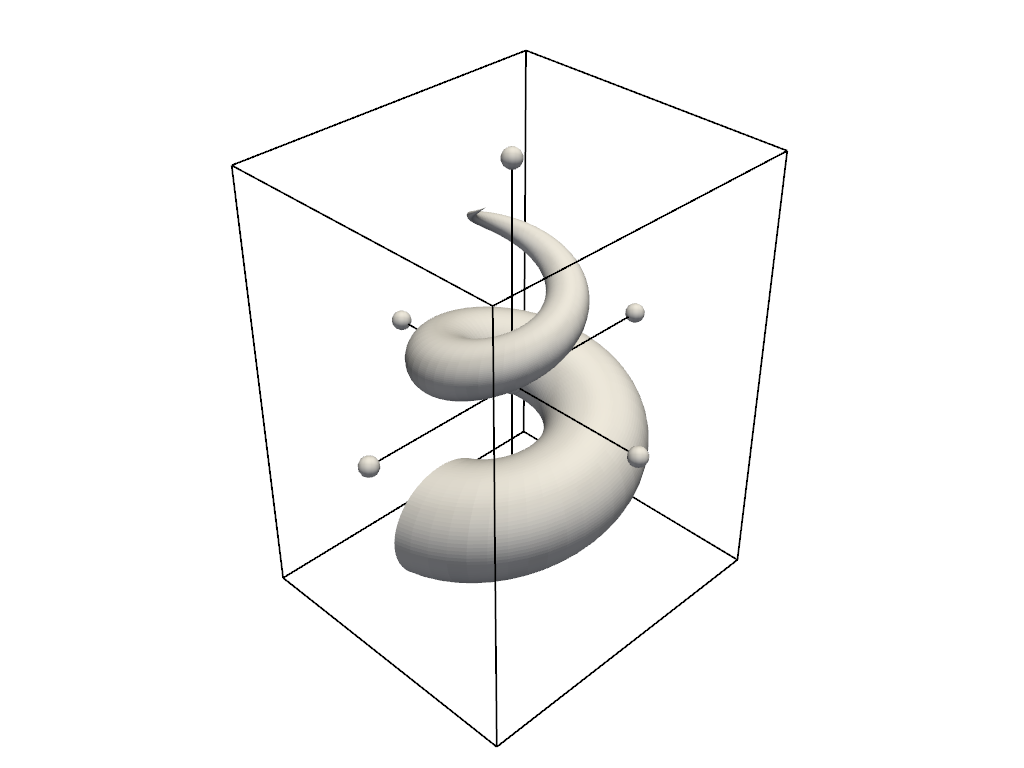
Shows an interactive clip box.
>>> import pyvista as pv
>>> mesh = pv.ParametricConicSpiral()
>>> pl = pv.Plotter()
>>> _ = pl.add_mesh_clip_box(mesh, color='white')
>>> pl.show()
For a full example see Box Widget.