pyvista.Plotter.reset_camera#
- Plotter.reset_camera(render=True, bounds=None)[source]#
Reset the camera of the active render window.
The camera slides along the vector defined from camera position to focal point until all of the actors can be seen.
- Parameters:
Examples
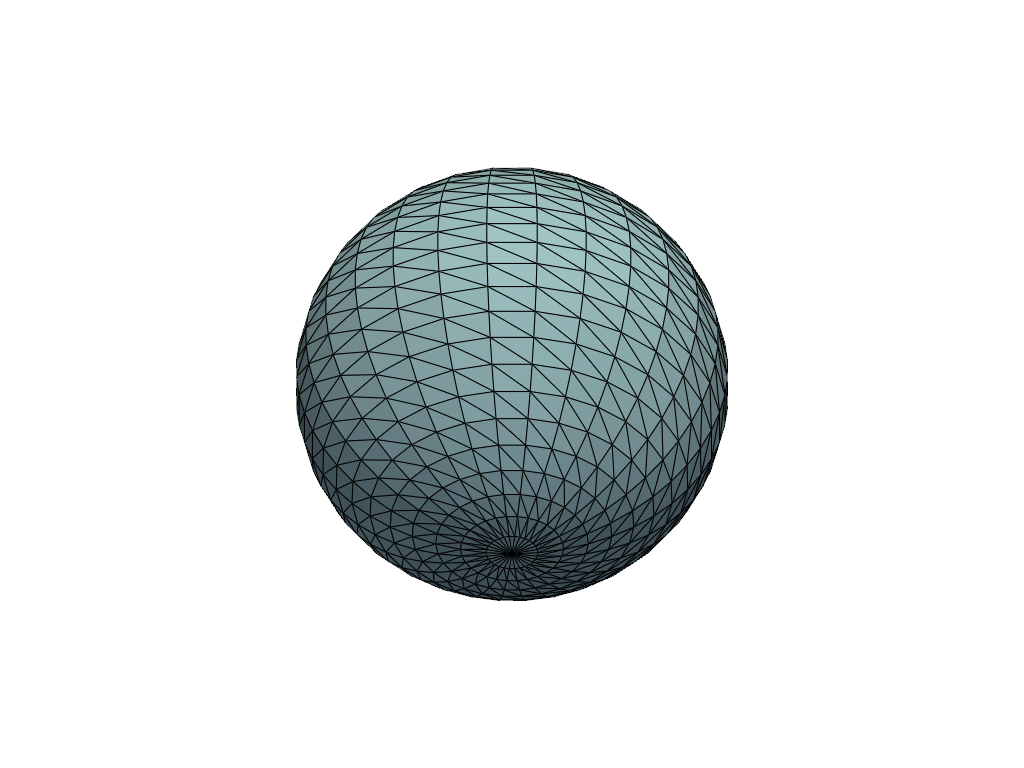
Add a mesh and place the camera position too close to the mesh. Then reset the camera and show the mesh.
>>> import pyvista
>>> pl = pyvista.Plotter()
>>> actor = pl.add_mesh(pyvista.Sphere(), show_edges=True)
>>> pl.set_position((0, 0.1, 0.1))
>>> pl.reset_camera()
>>> pl.show()