pyvista.Plotter.enable_shadows#
- Plotter.enable_shadows()[source]#
Enable shadows.
Examples
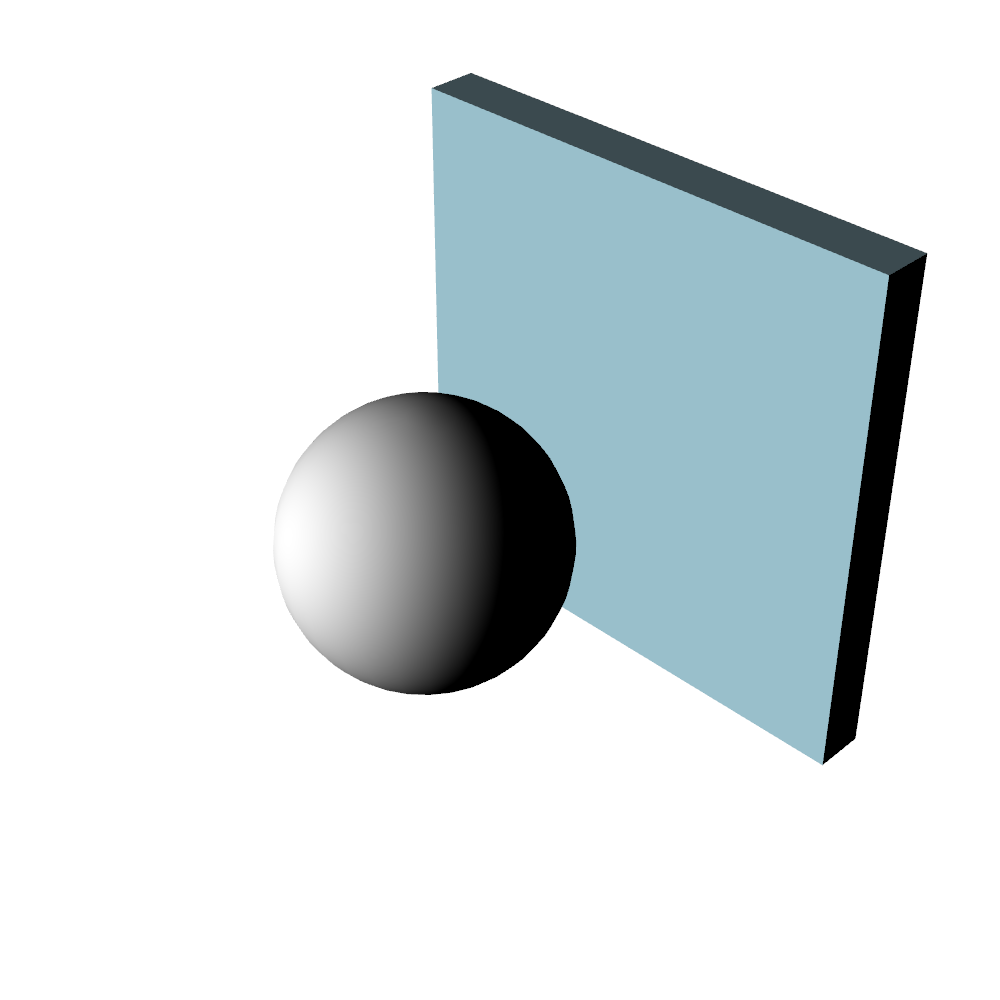
First, plot without shadows enabled (default)
>>> import pyvista
>>> mesh = pyvista.Sphere()
>>> pl = pyvista.Plotter(lighting='none', window_size=(1000, 1000))
>>> light = pyvista.Light()
>>> light.set_direction_angle(20, -20)
>>> pl.add_light(light)
>>> _ = pl.add_mesh(mesh, color='white', smooth_shading=True)
>>> _ = pl.add_mesh(pyvista.Box((-1.2, -1, -1, 1, -1, 1)))
>>> pl.show()
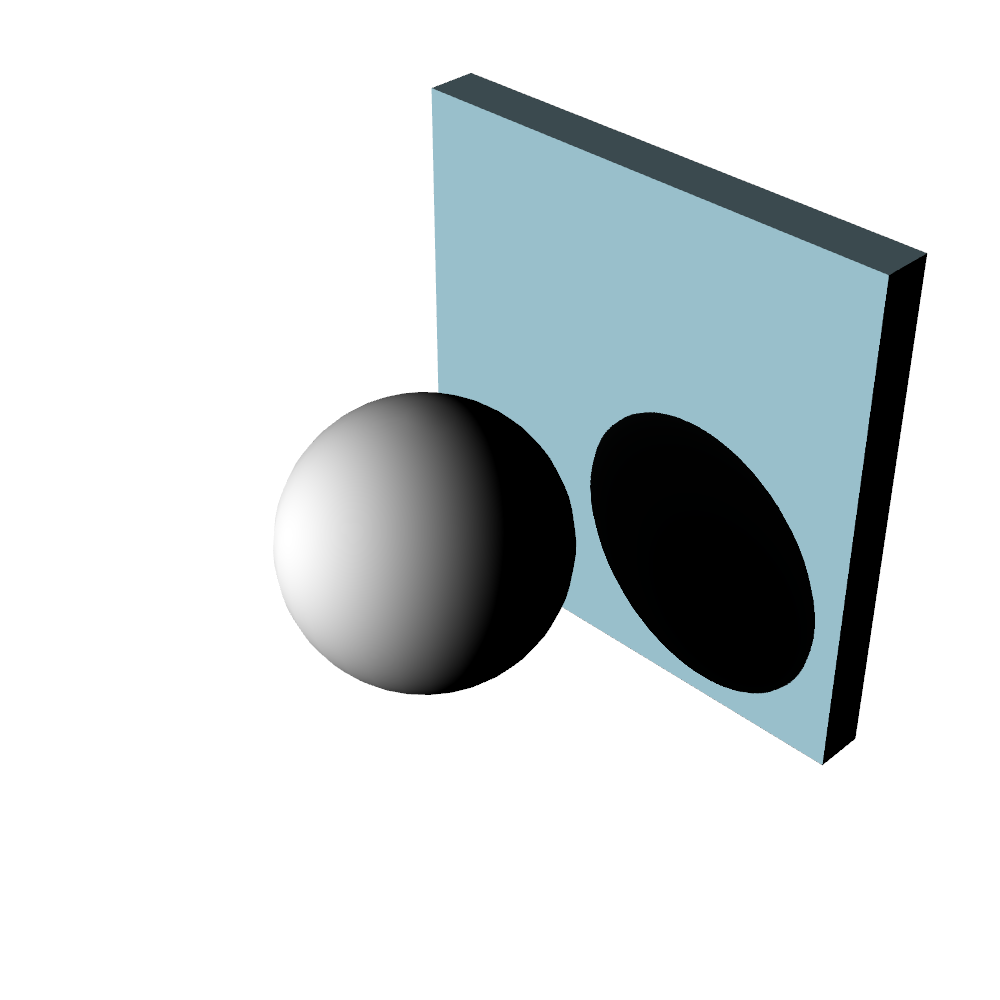
Now, enable shadows.
>>> import pyvista
>>> mesh = pyvista.Sphere()
>>> pl = pyvista.Plotter(lighting='none', window_size=(1000, 1000))
>>> light = pyvista.Light()
>>> light.set_direction_angle(20, -20)
>>> pl.add_light(light)
>>> _ = pl.add_mesh(mesh, color='white', smooth_shading=True)
>>> _ = pl.add_mesh(pyvista.Box((-1.2, -1, -1, 1, -1, 1)))
>>> pl.enable_shadows()
>>> pl.show()