pyvista.Plotter.add_blurring#
- Plotter.add_blurring()[source]#
Add blurring.
This can be added several times to increase the degree of blurring.
Examples
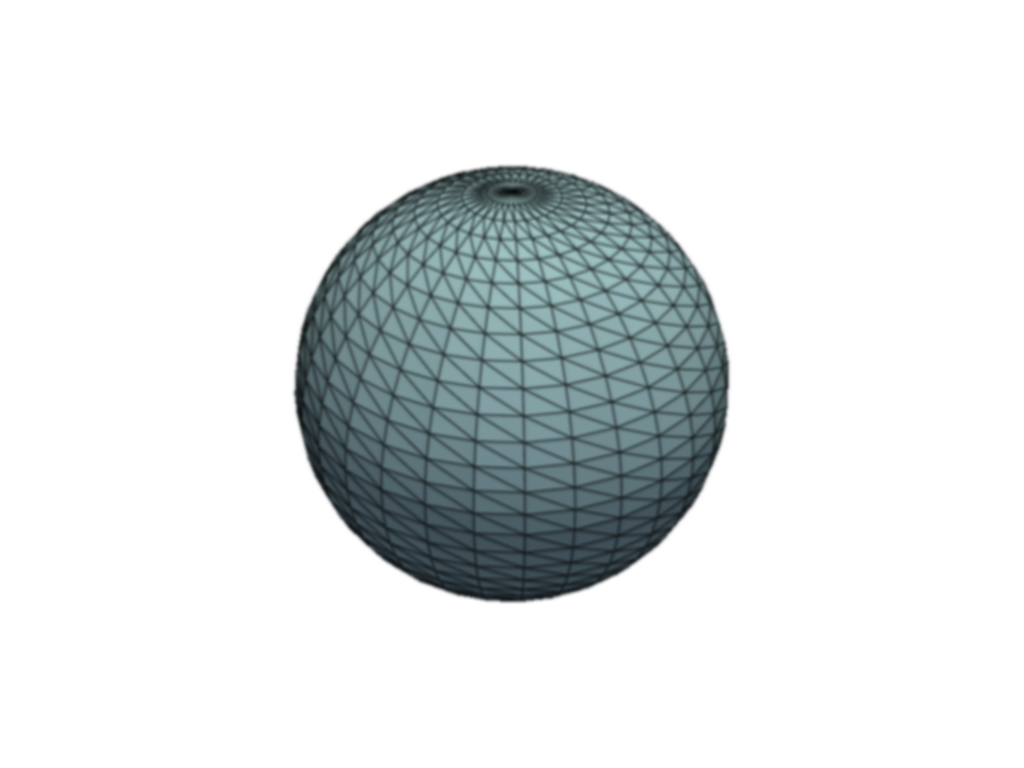
Add two blurring passes to the plotter and show it.
>>> import pyvista as pv
>>> pl = pv.Plotter()
>>> _ = pl.add_mesh(pv.Sphere(), show_edges=True)
>>> pl.add_blurring()
>>> pl.add_blurring()
>>> pl.show()
See Blurring for a full example using this method.