pyvista.Sphere#
- Sphere(radius=0.5, center=(0.0, 0.0, 0.0), direction=(0.0, 0.0, 1.0), theta_resolution=30, phi_resolution=30, start_theta=0.0, end_theta=360.0, start_phi=0.0, end_phi=180.0)[source]#
Create a sphere.
- Parameters:
- radius
float, default: 0.5 Sphere radius.
- centersequence[
float], default: (0.0, 0.0, 0.0) Center in
[x, y, z].- directionsequence[
float], default: (0.0, 0.0, 1.0) Direction vector in
[x, y, z]pointing fromcenterto the sphere’s north pole at zero degrees latitude.- theta_resolution
int, default: 30 Set the number of points in the longitude direction (ranging from
start_thetatoend_theta).- phi_resolution
int, default: 30 Set the number of points in the latitude direction (ranging from
start_phitoend_phi).- start_theta
float, default: 0.0 Starting longitude angle in degrees
[0, 360].- end_theta
float, default: 360.0 Ending longitude angle in degrees
[0, 360].- start_phi
float, default: 0.0 Starting latitude angle in degrees
[0, 180].- end_phi
float, default: 180.0 Ending latitude angle in degrees
[0, 180].
- radius
- Returns:
pyvista.PolyDataSphere mesh.
See also
Examples
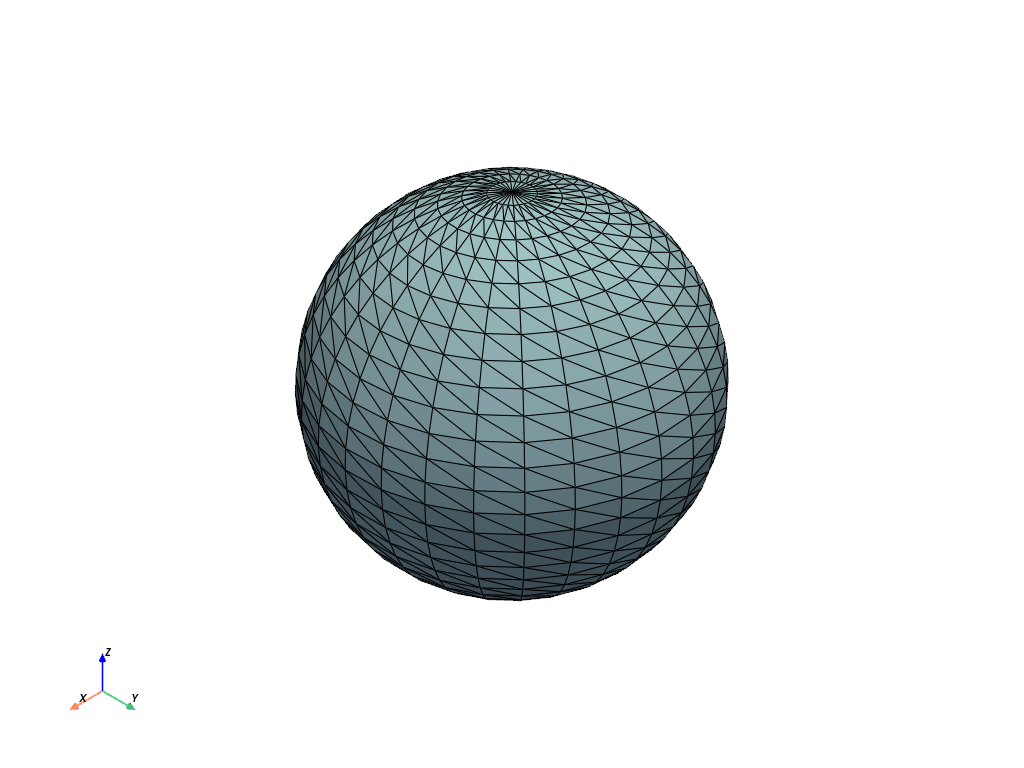
Create a sphere using default parameters.
>>> import pyvista
>>> sphere = pyvista.Sphere()
>>> sphere.plot(show_edges=True)
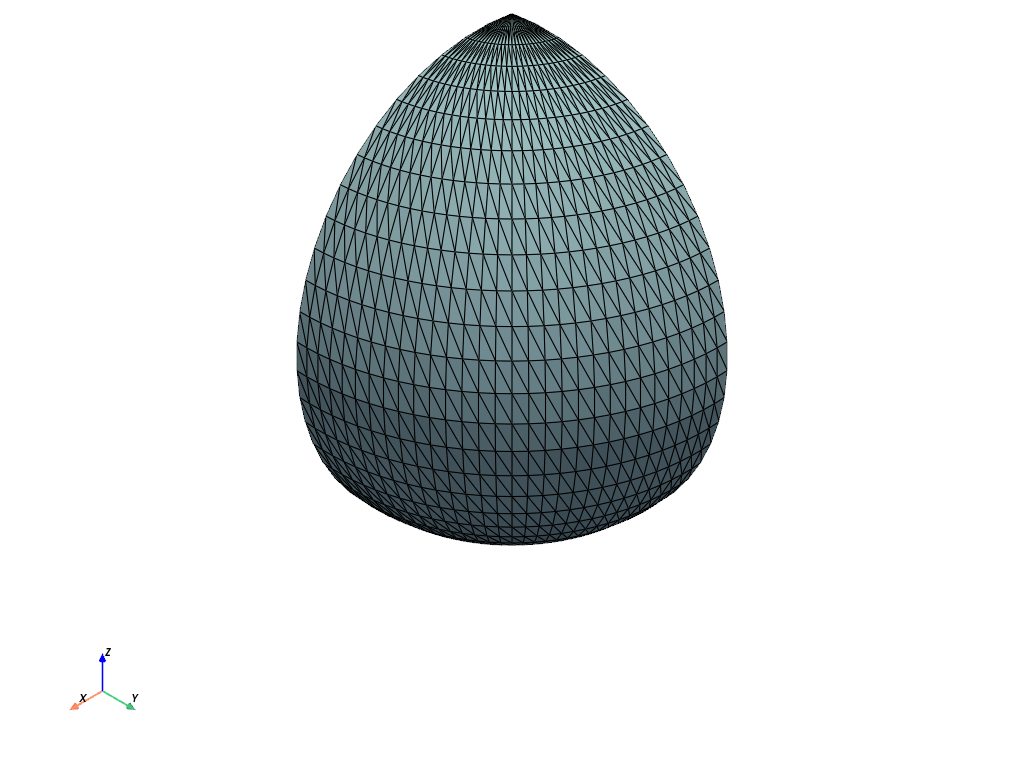
Create a quarter sphere by setting
end_theta.>>> sphere = pyvista.Sphere(end_theta=90) >>> out = sphere.plot(show_edges=True)
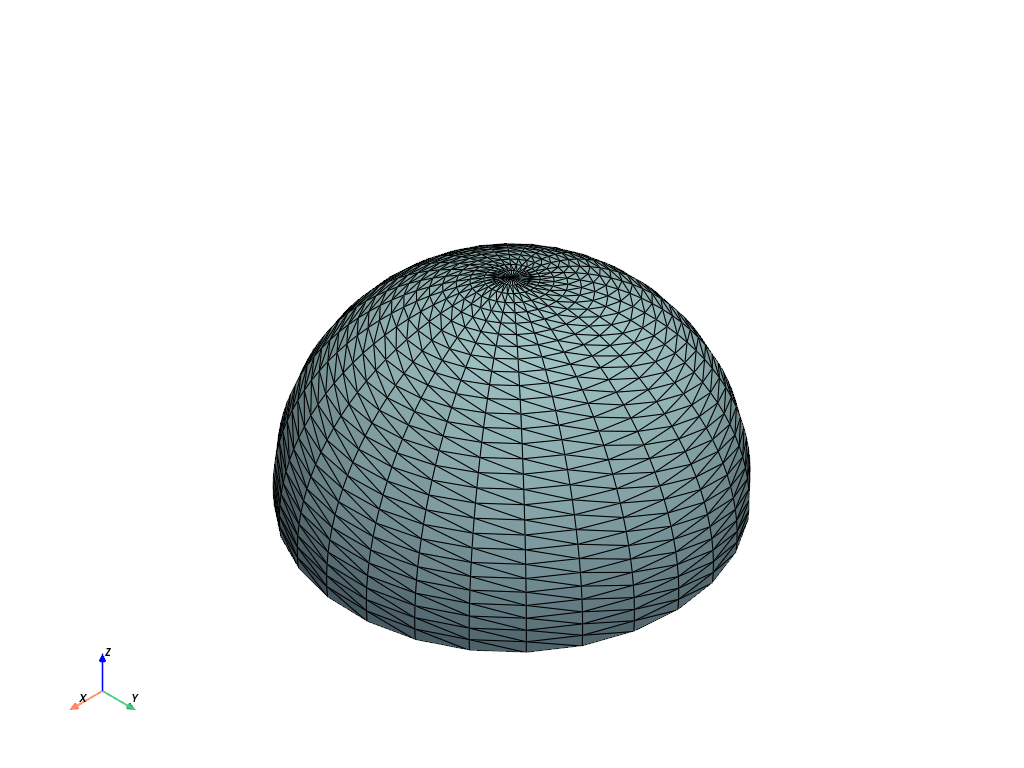
Create a hemisphere by setting
end_phi.>>> sphere = pyvista.Sphere(end_phi=90) >>> out = sphere.plot(show_edges=True)