pyvista.Rectangle#
- Rectangle(points=None)[source]#
Create a rectangle defined by 3 points.
Deprecated since version 0.39.0: To deal with more than 3 points use
pyvista.Quadrilateral()instead.The 3 points must define an orthogonal set of vectors.
- Parameters:
- pointsarray_like[
float],optional Points of the rectangle. Defaults to a unit square in xy-plane.
- pointsarray_like[
- Returns:
pyvista.PolyDataRectangle mesh.
Examples
>>> import pyvista
>>> pointa = [1.0, 0.0, 0.0]
>>> pointb = [1.0, 1.0, 0.0]
>>> pointc = [0.0, 1.0, 0.0]
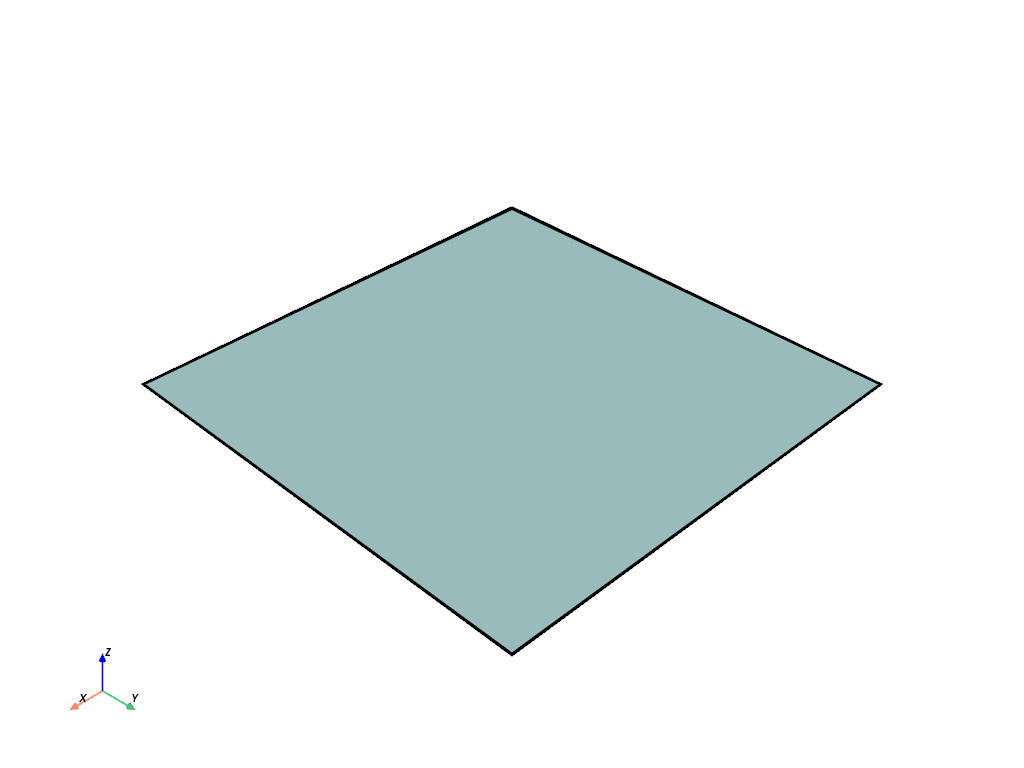
>>> rectangle = pyvista.Rectangle([pointa, pointb, pointc])
>>> rectangle.plot(show_edges=True, line_width=5)