pyvista.plotting.charts.ScatterPlot2D.brush#
- property ScatterPlot2D.brush[source]#
Brush object controlling how shapes in this plot are filled.
- Returns:
BrushBrush object controlling how shapes in this plot are filled.
Examples
Use a custom texture for the 2D scatter plot’s brush object.
>>> import pyvista
>>> from pyvista import examples
>>> chart = pyvista.Chart2D()
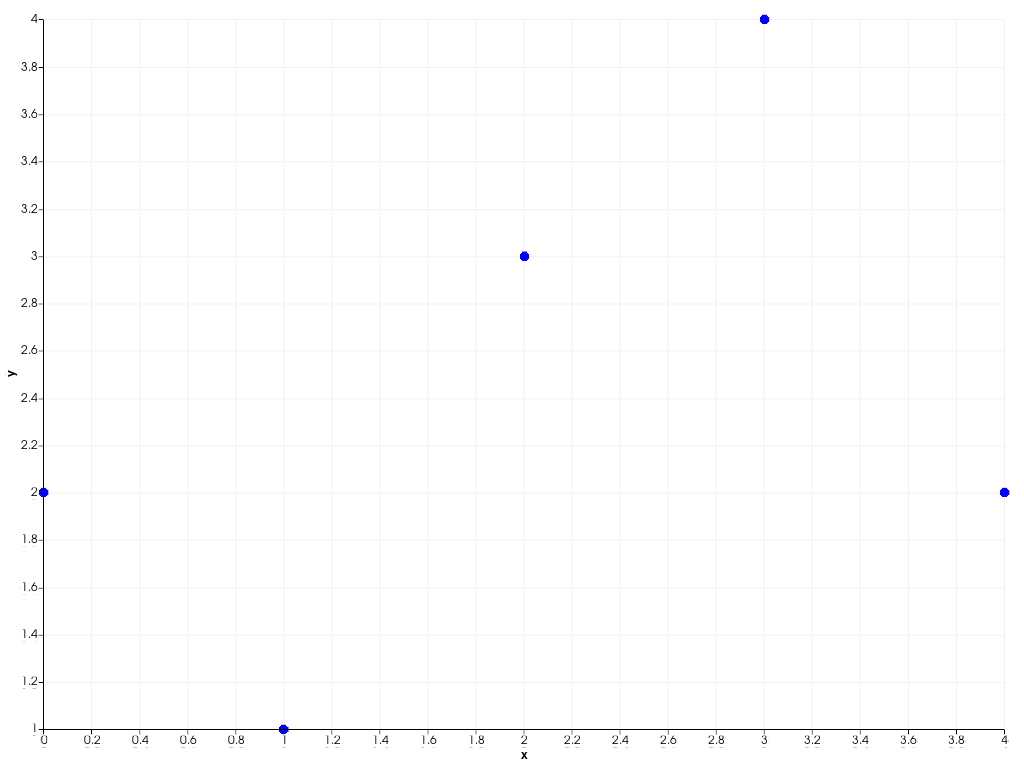
>>> plot = chart.scatter([0, 1, 2, 3, 4], [2, 1, 3, 4, 2])
>>> plot.brush.texture = examples.download_puppy_texture()
>>> chart.show()