pyvista.Renderer.set_position#

Renderer.set_position(point, reset=False, render=True)[source]#

Set camera position to a point.

Parameters:
pointsequence

Cartesian point to focus on in the form of [x, y, z].

resetbool, default: False

Whether to reset the camera after setting the camera position.

renderbool, default: True

If the render window is being shown, trigger a render after setting the position.

Examples

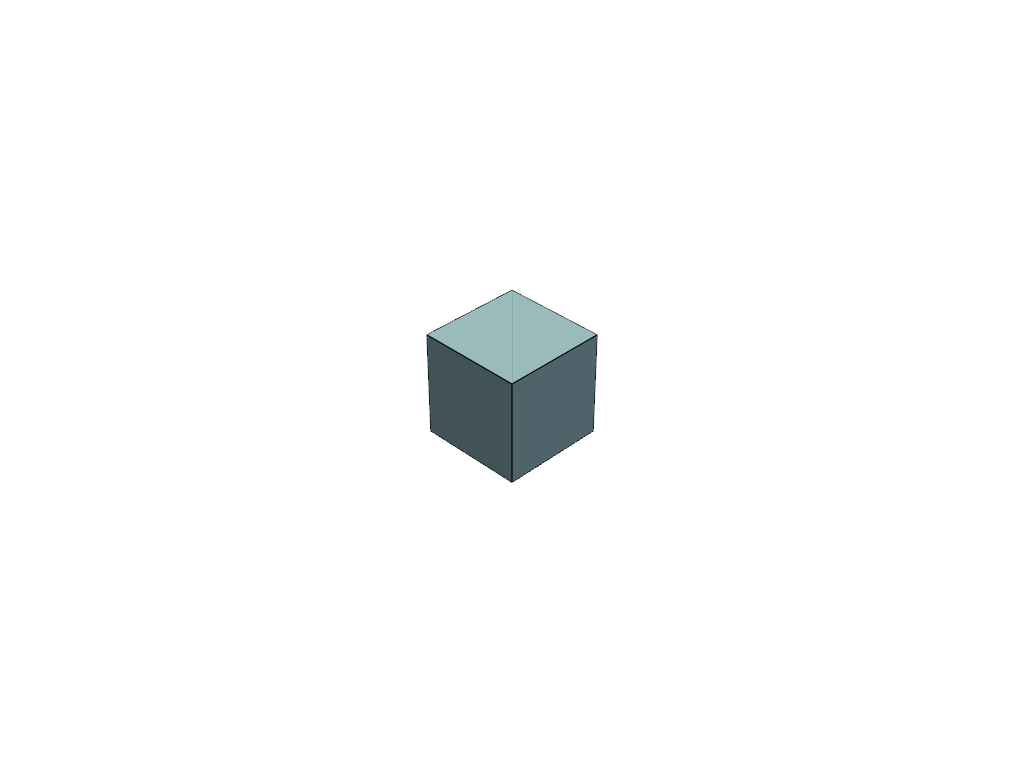
Move the camera far away to [7, 7, 7].

>>> import pyvista
>>> mesh = pyvista.Cube()
>>> pl = pyvista.Plotter()
>>> _ = pl.add_mesh(mesh, show_edges=True)
>>> pl.set_position([7, 7, 7])
>>> pl.show()
https://d33wubrfki0l68.cloudfront.net/64e2720a845727eea8172e44eaf5f71c346d3f3a/a6658/_images/pyvista-renderer-set_position-1_00_00.png