pyvista.Property.interpolation#
- property Property.interpolation: InterpolationType[source]#
Return or set the method of shading.
Defaults to
pyvista.plotting.themes._LightingConfig.interpolation.One of the following options.
'Physically based rendering'- Physically based rendering.'pbr'- Alias for Physically based rendering.'Phong'- Phong shading.'Gouraud'- Gouraud shading.'Flat'- Flat Shading.
This parameter is case insensitive.
Examples
Set interpolation to physically based rendering.
>>> import pyvista as pv
>>> prop = pv.Property()
>>> prop.interpolation = 'pbr'
>>> prop.interpolation
<InterpolationType.PBR: 3>
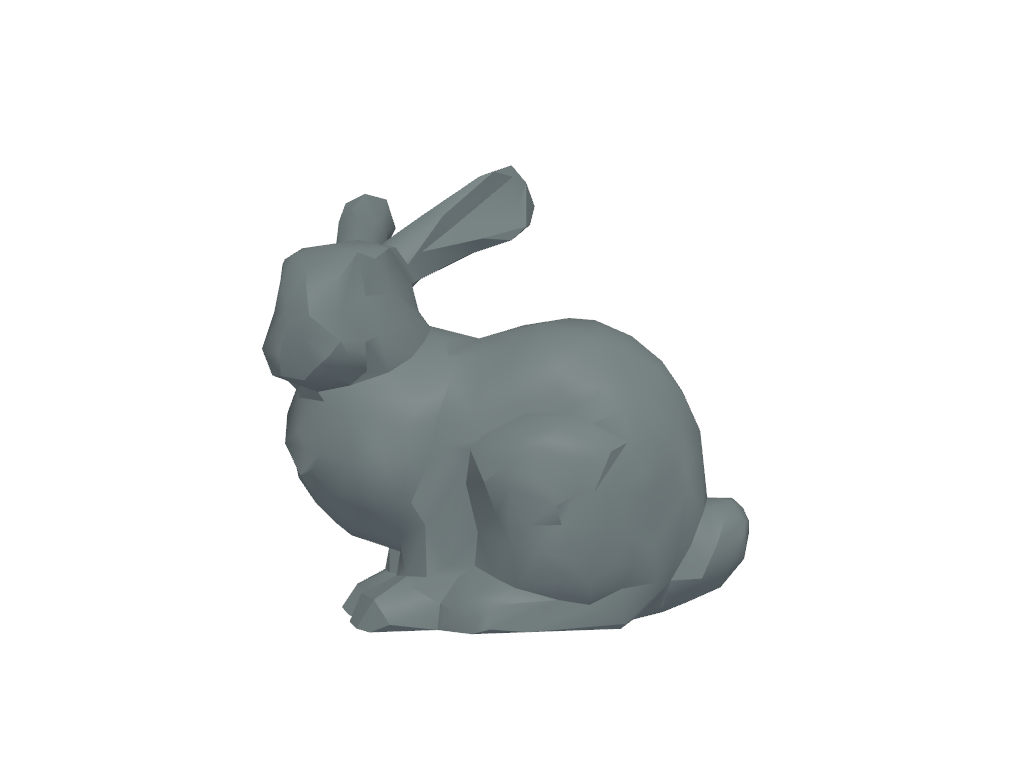
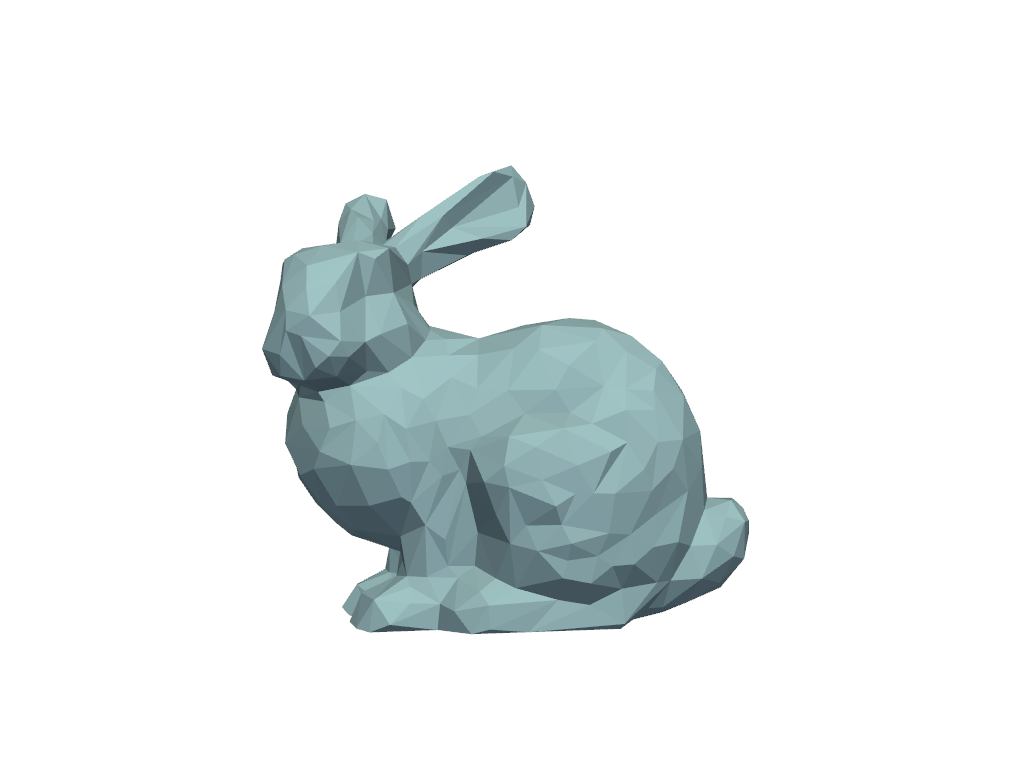
Visualize default flat shading.
>>> prop.interpolation = 'Flat'
>>> prop.plot()
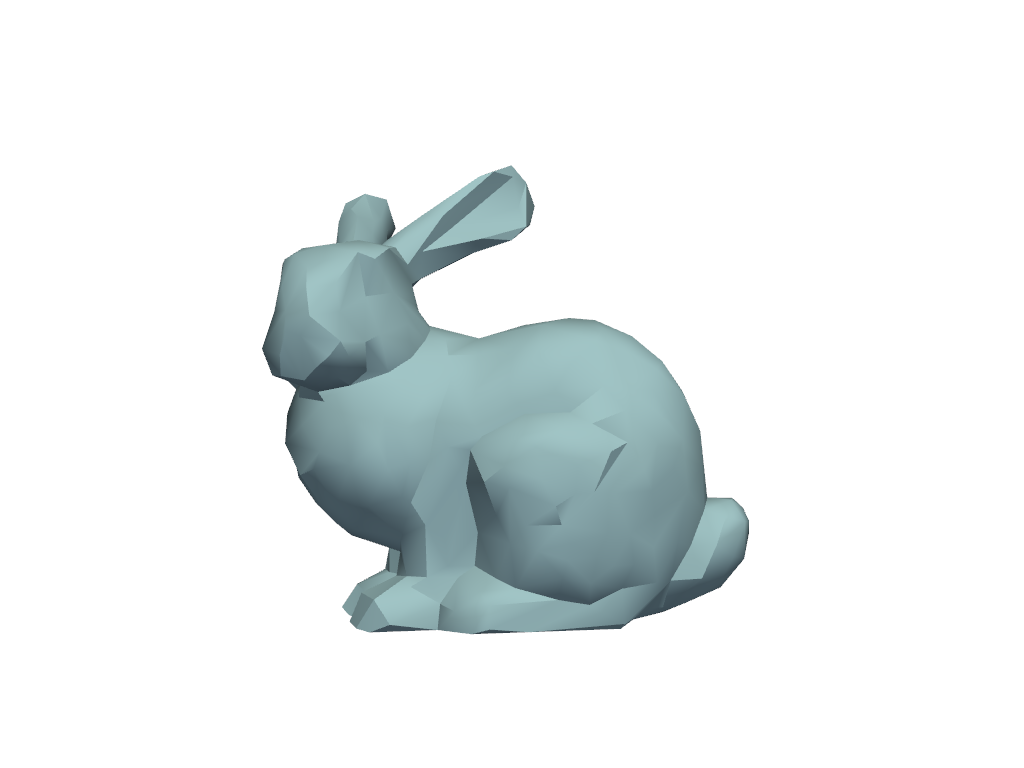
Visualize gouraud shading.
>>> prop.interpolation = 'Gouraud'
>>> prop.plot()
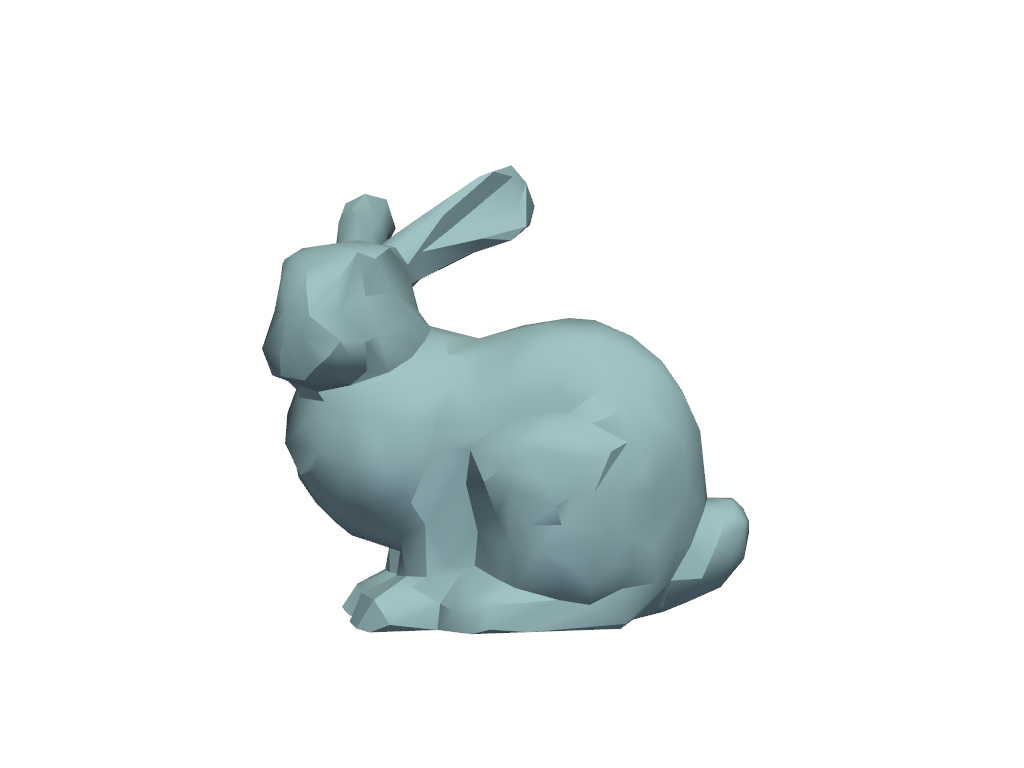
Visualize phong shading.
>>> prop.interpolation = 'Phong'
>>> prop.plot()
Visualize physically based rendering.
>>> prop.interpolation = 'Physically based rendering'
>>> prop.plot()