pyvista.Actor.texture#
- property Actor.texture[source]#
Return or set the actor texture.
Notes
The mapper dataset must have texture coordinates for the texture to be used.
Examples
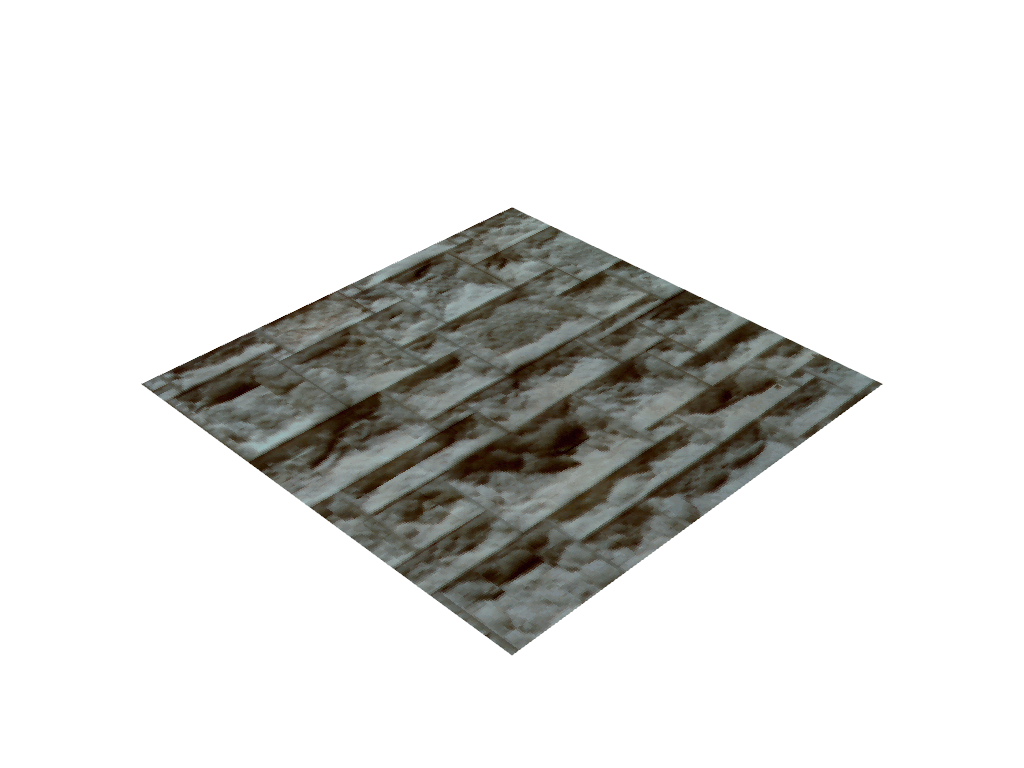
Create an actor and add a texture to it. Note how the
pyvista.PolyDatahas texture coordinates by default.>>> import pyvista as pv >>> from pyvista import examples >>> plane = pv.Plane() >>> plane.active_t_coords is not None True >>> pl = pv.Plotter() >>> actor = pl.add_mesh(plane) >>> actor.texture = examples.download_masonry_texture() >>> actor.texture Texture (...) Components: 3 Cube Map: False Dimensions: 256, 256