pyvista.examples.cells.Line#
- Line() UnstructuredGrid[source]#
Create a
pyvista.UnstructuredGridcontaining a single Line.This cell corresponds to the
pyvista.CellType.LINEcell type.- Returns:
pyvista.UnstructuredGridUnstructuredGrid containing a single line.
Examples
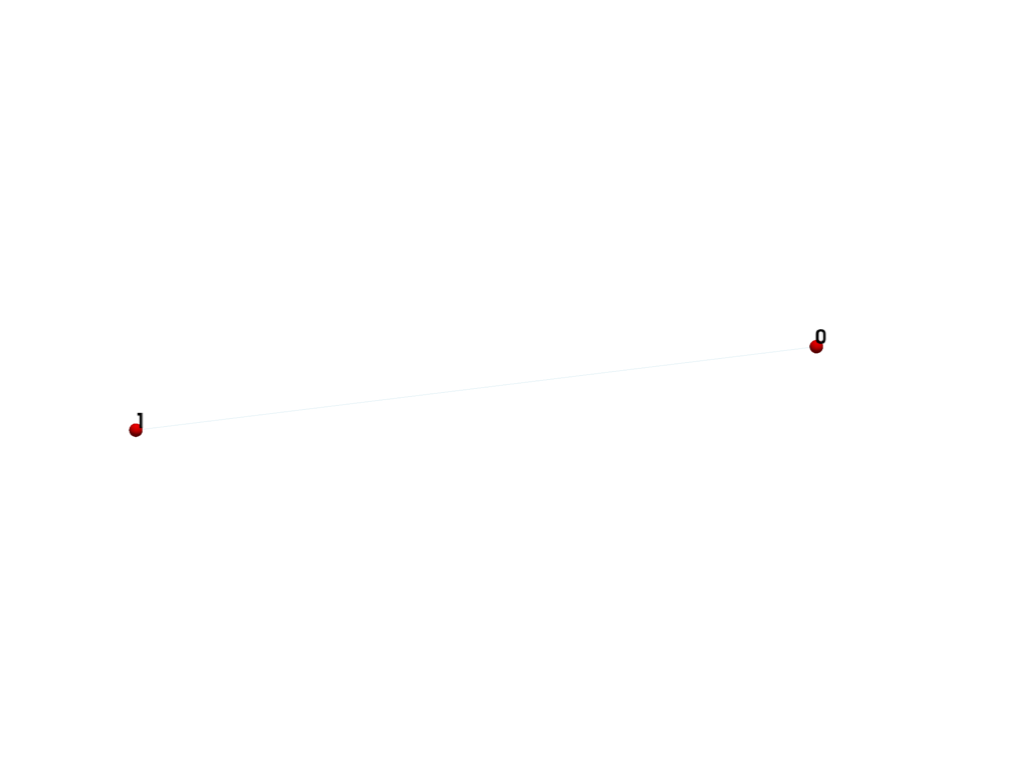
Create and plot a single line.
>>> from pyvista import examples
>>> grid = examples.cells.Line()
>>> examples.plot_cell(grid)
List the grid’s cells.
>>> grid.cells
array([2, 0, 1])
List the grid’s points.
>>> grid.points
pyvista_ndarray([[0., 0., 0.],
                 [1., 0., 0.]])
>>> grid.celltypes  # same as pyvista.CellType.LINE
array([3], dtype=uint8)