pyvista.Texture.interpolate#
- property Texture.interpolate: bool[source]#
Return if interpolate is enabled or disabled.
Examples
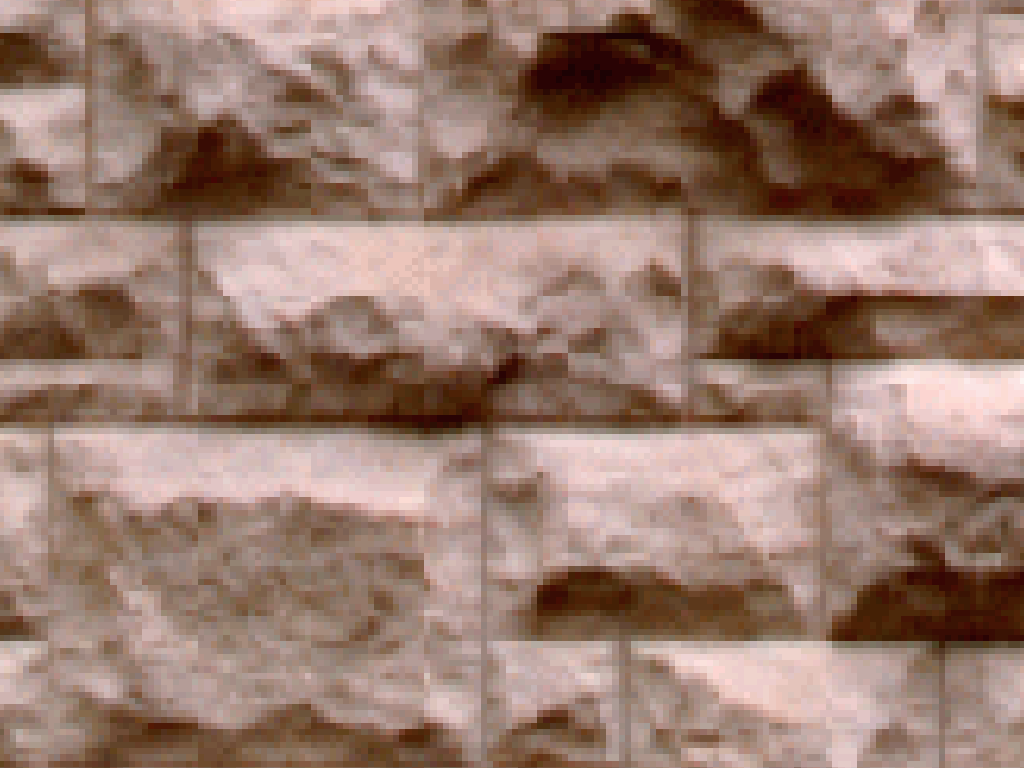
Show the masonry texture without interpolation. Here, we zoom to show the individual pixels.
>>> from pyvista import examples
>>> texture = examples.download_masonry_texture()
>>> texture.interpolation = False
>>> texture.plot(cpos='xy', zoom=3)
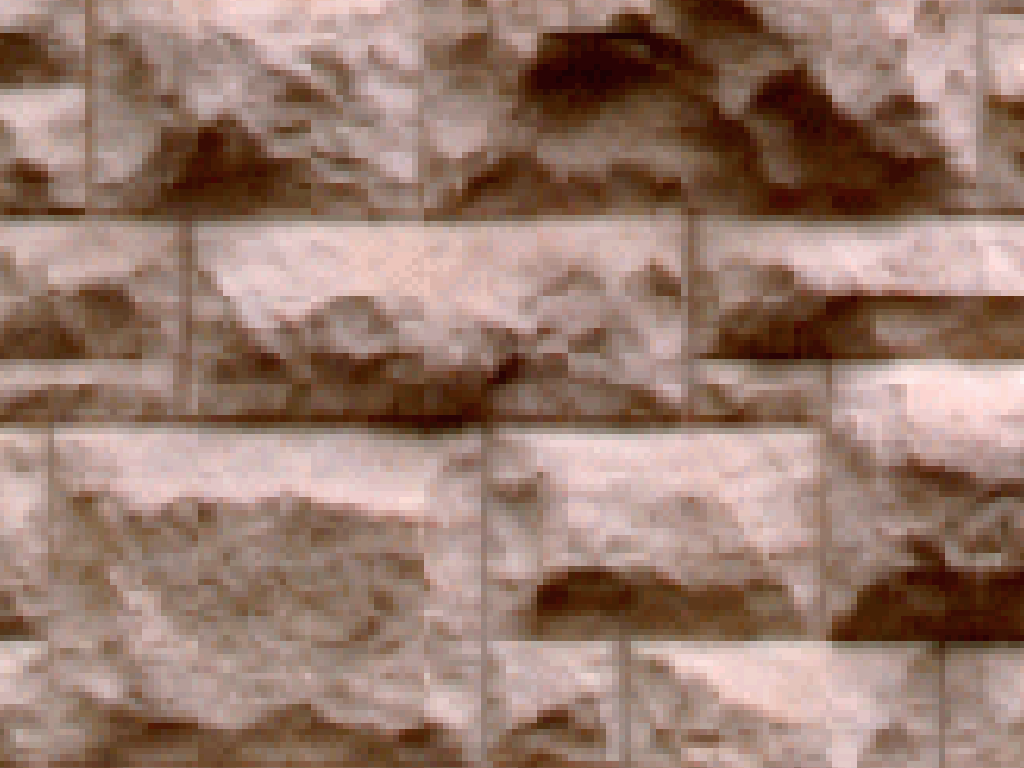
Plot the same texture with interpolation.
>>> texture.interpolation = True
>>> texture.plot(cpos='xy', zoom=3)