pyvista.StructuredGrid.hide_points#
- StructuredGrid.hide_points(ind)[source]#
Hide points without deleting them.
Hides points by setting the ghost_points array to
HIDDEN_CELL.- Parameters:
- Returns:
pyvista.PointSetPoint set with hidden points.
Examples
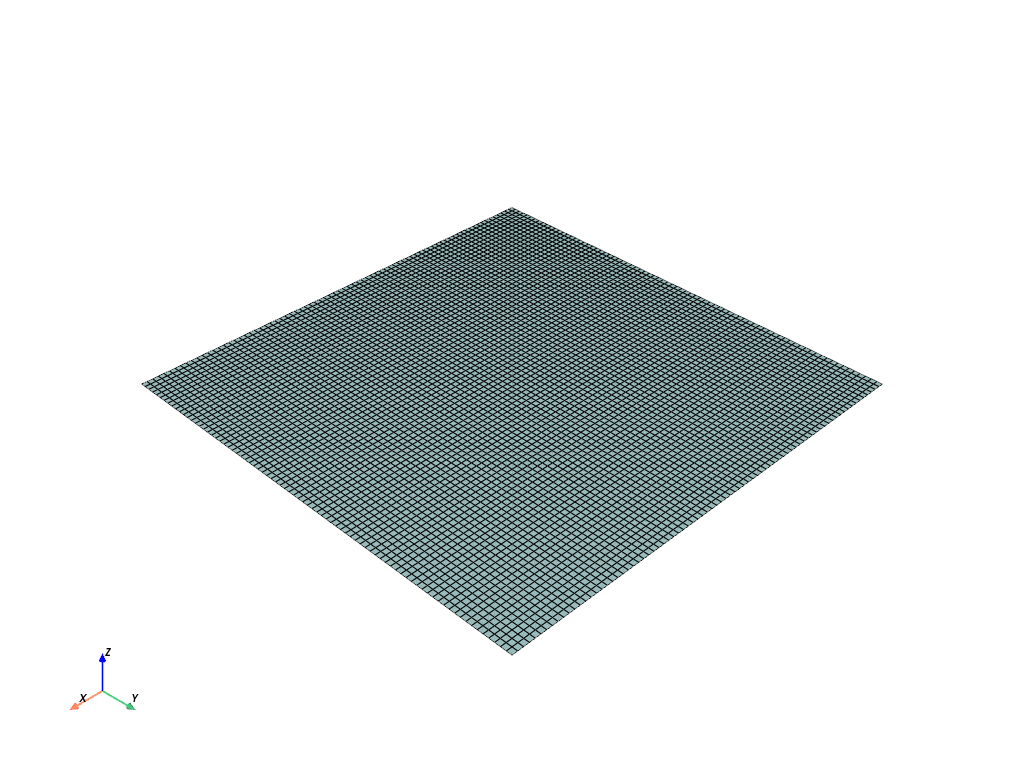
Hide part of the middle of a structured surface.
>>> import pyvista as pv
>>> import numpy as np
>>> x = np.arange(-10, 10, 0.25)
>>> y = np.arange(-10, 10, 0.25)
>>> z = 0
>>> x, y, z = np.meshgrid(x, y, z)
>>> grid = pv.StructuredGrid(x, y, z)
>>> grid.hide_points(range(80 * 30, 80 * 50))
>>> grid.plot(color=True, show_edges=True)