pyvista.ImageData.spacing#
- property ImageData.spacing: Tuple[float, float, float][source]#
Return or set the spacing for each axial direction.
Notes
Spacing must be non-negative. While VTK accepts negative spacing, this results in unexpected behavior. See: pyvista/pyvista#1967
Examples
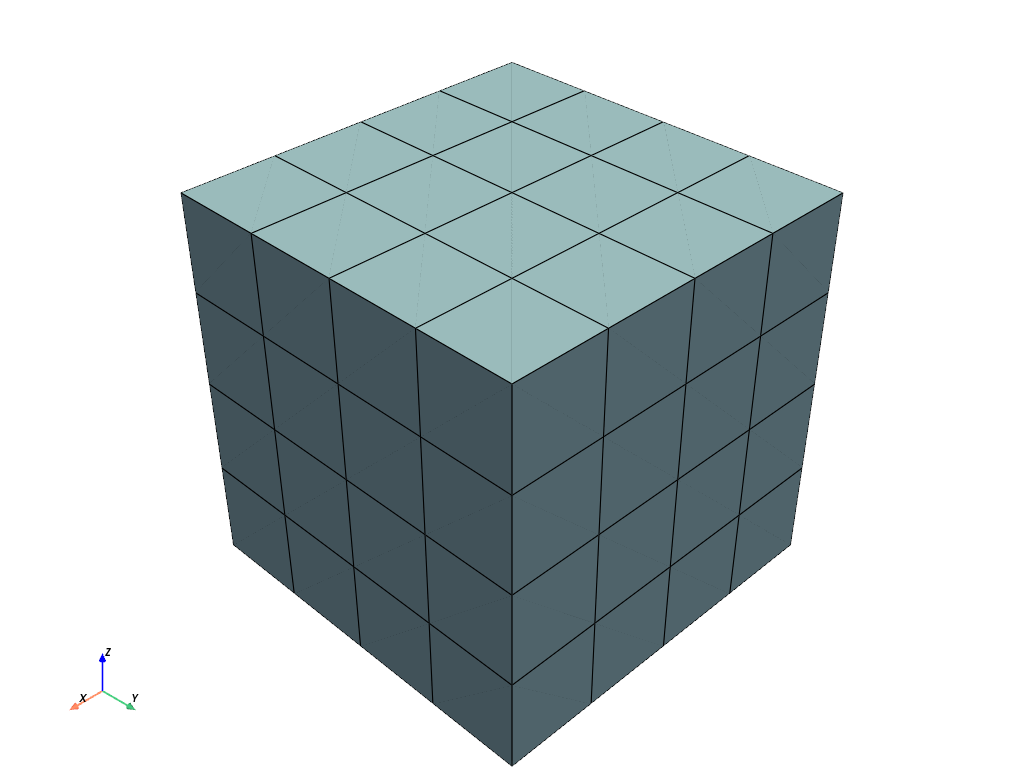
Create a 5 x 5 x 5 uniform grid.
>>> import pyvista
>>> grid = pyvista.ImageData(dimensions=(5, 5, 5))
>>> grid.spacing
(1.0, 1.0, 1.0)
>>> grid.plot(show_edges=True)
Modify the spacing to
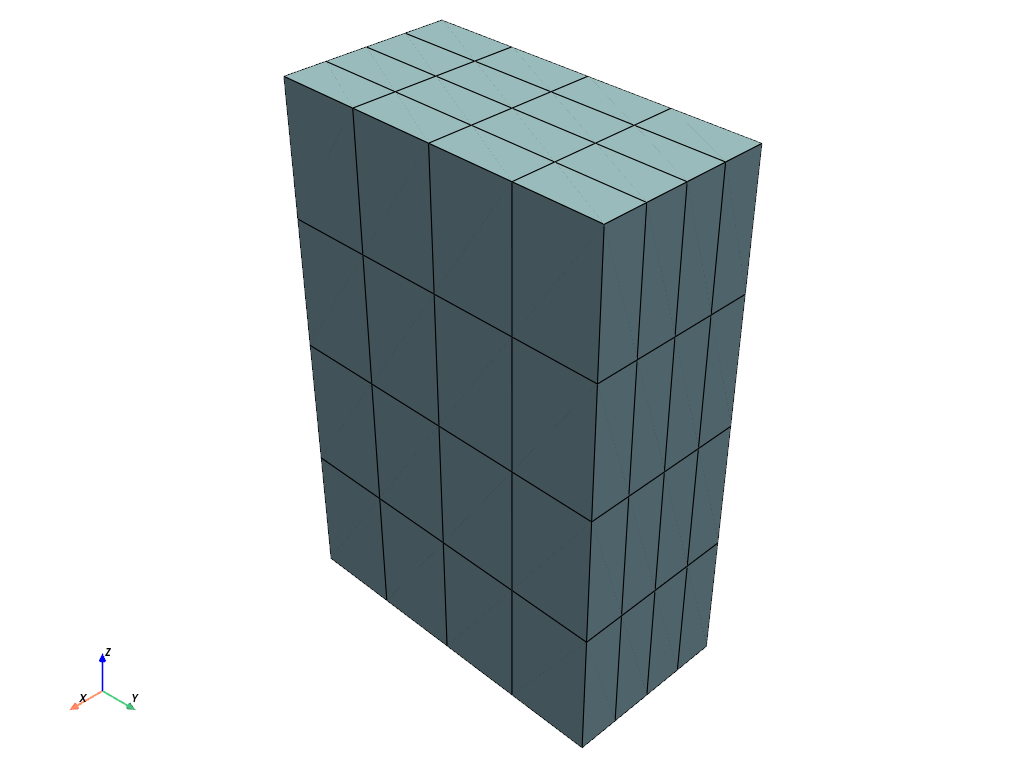
(1, 2, 3)>>> grid.spacing = (1, 2, 3) >>> grid.plot(show_edges=True)