pyvista.Camera.zoom#
- Camera.zoom(value)[source]#
Set the zoom of the camera.
In perspective mode, decrease the view angle by the specified factor.
In parallel mode, decrease the parallel scale by the specified factor. A value greater than 1 is a zoom-in, a value less than 1 is a zoom-out.
- Parameters:
Examples
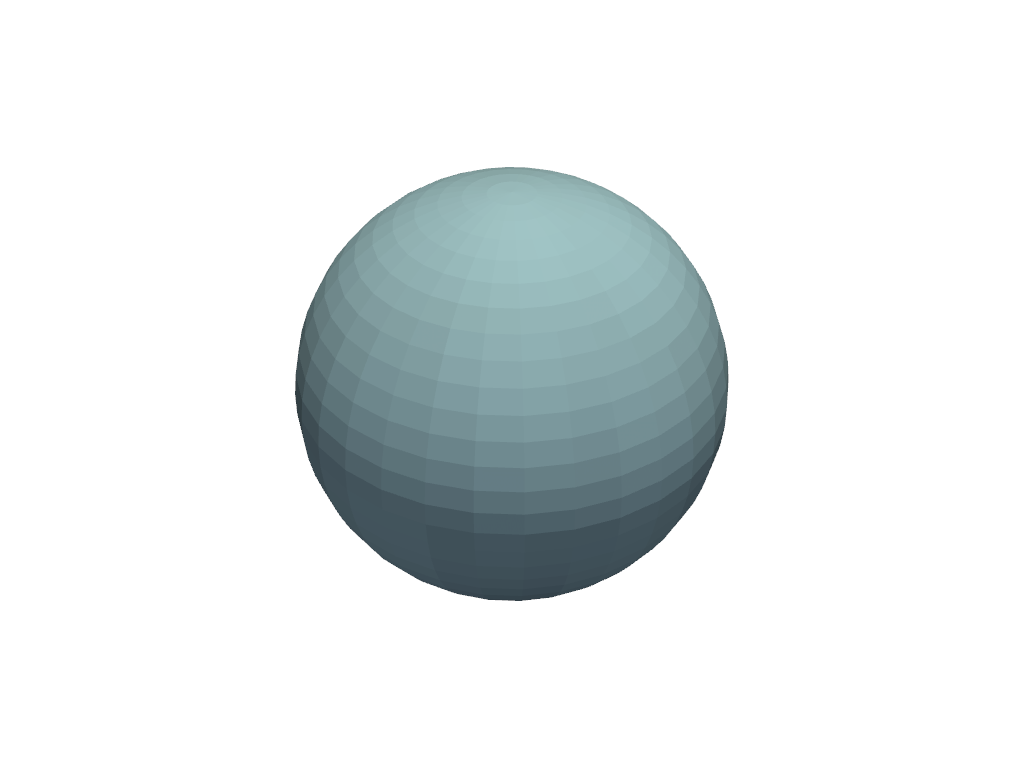
Show the Default zoom.
>>> import pyvista as pv
>>> pl = pv.Plotter()
>>> _ = pl.add_mesh(pv.Sphere())
>>> pl.camera.zoom(1.0)
>>> pl.show()
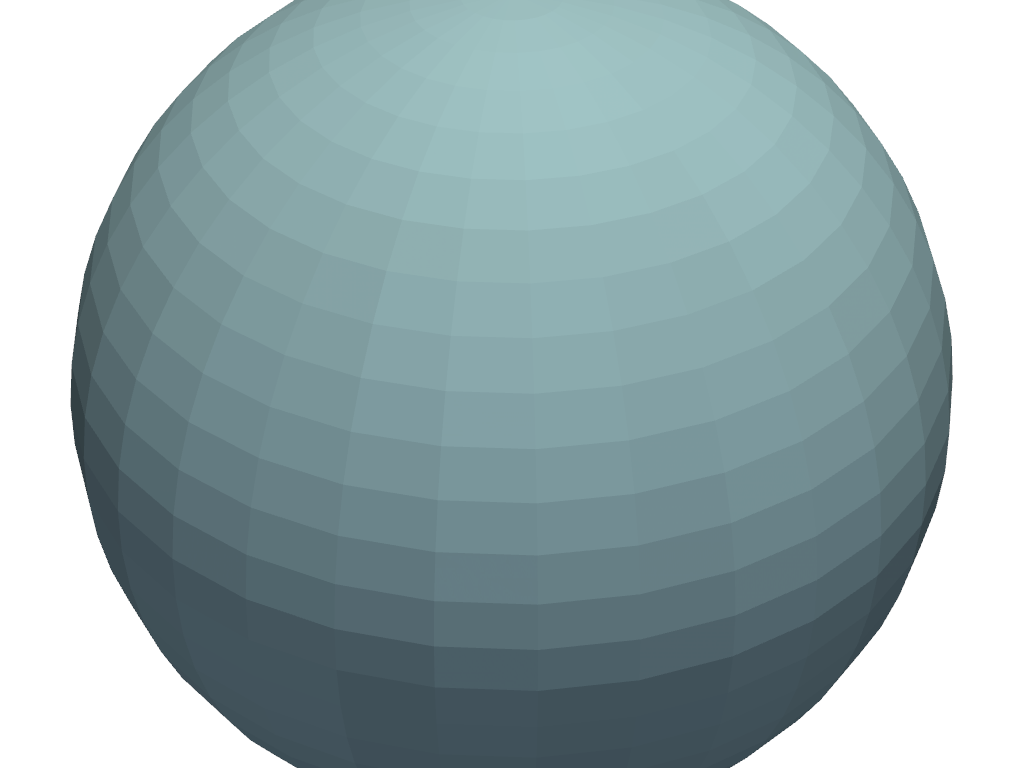
Show 2x zoom.
>>> pl = pv.Plotter()
>>> _ = pl.add_mesh(pv.Sphere())
>>> pl.camera.zoom(2.0)
>>> pl.show()
Zoom so the actor fills the entire render window.
>>> pl = pv.Plotter()
>>> _ = pl.add_mesh(pv.Sphere())
>>> pl.camera.zoom('tight')
>>> pl.show()