pyvista.PolyDataFilters.curvature#
- PolyDataFilters.curvature(curv_type='mean', progress_bar=False)[source]#
Return the pointwise curvature of a mesh.
- Parameters:
- Returns:
numpy.ndarrayArray of curvature values.
Examples
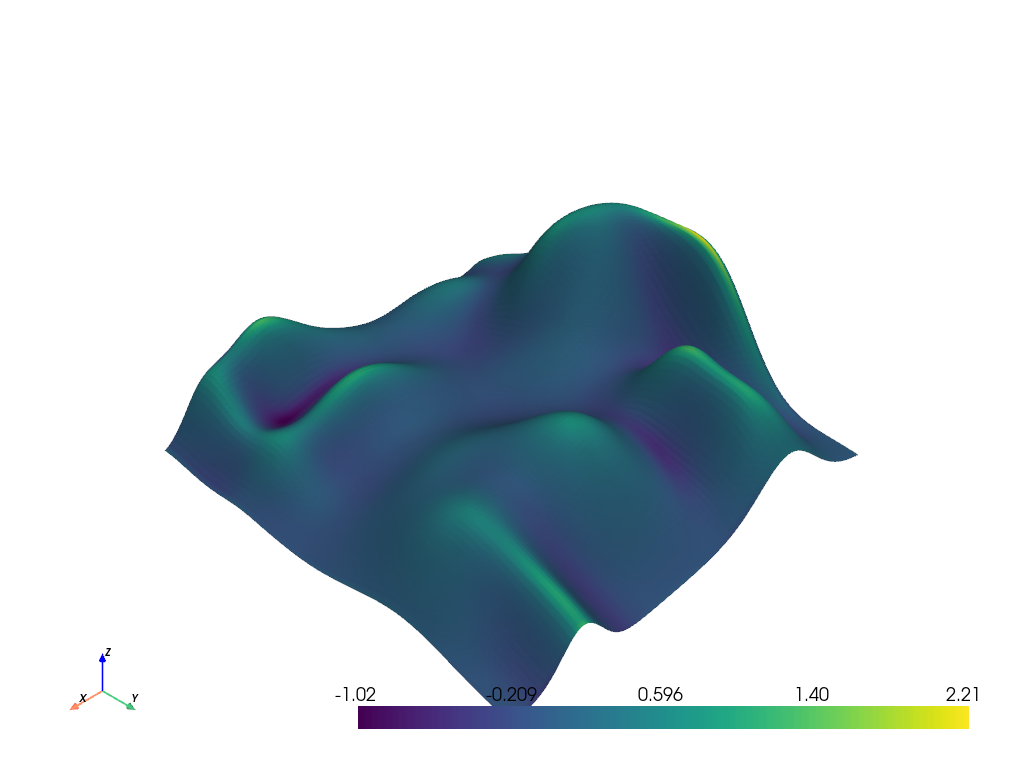
Calculate the mean curvature of the hills example mesh and plot it.
>>> from pyvista import examples
>>> hills = examples.load_random_hills()
>>> curv = hills.curvature()
>>> hills.plot(scalars=curv)
Show the curvature array.
>>> curv
array([0.20587616, 0.06747695, ..., 0.11781171, 0.15988467])