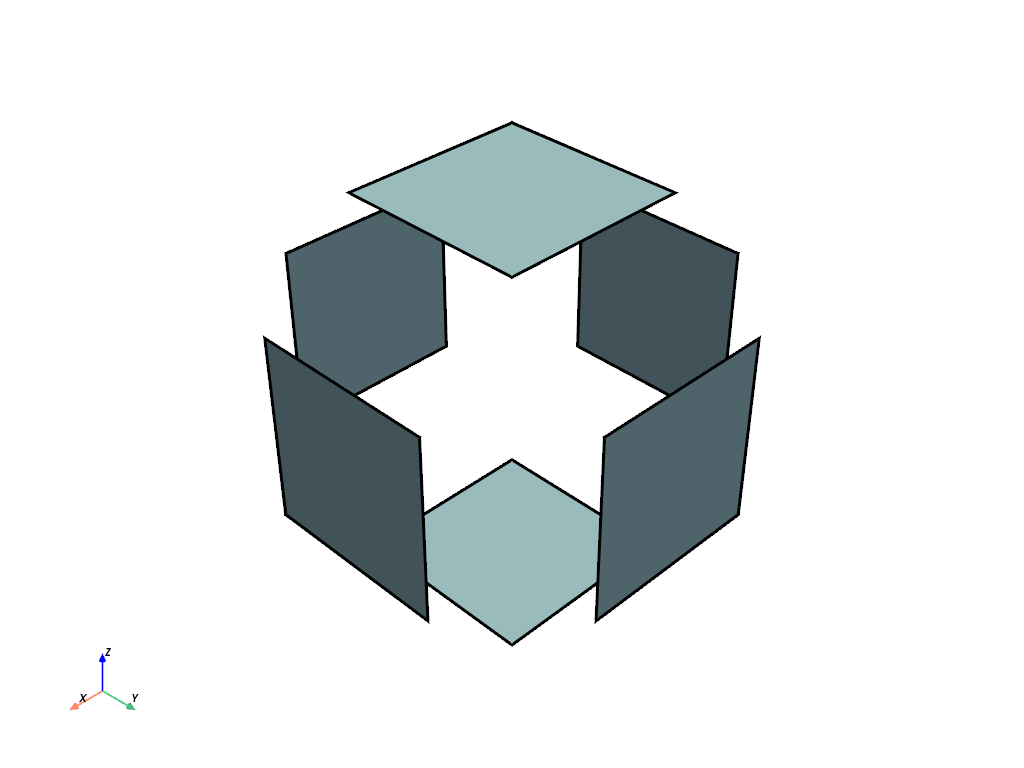
pyvista.DataSetFilters.shrink#
- DataSetFilters.shrink(shrink_factor=1.0, progress_bar=False)[source]#
Shrink the individual faces of a mesh.
This filter shrinks the individual faces of a mesh rather than scaling the entire mesh.
- Parameters:
- Returns:
pyvista.DataSetDataset with shrunk faces. Return type matches input.
Examples
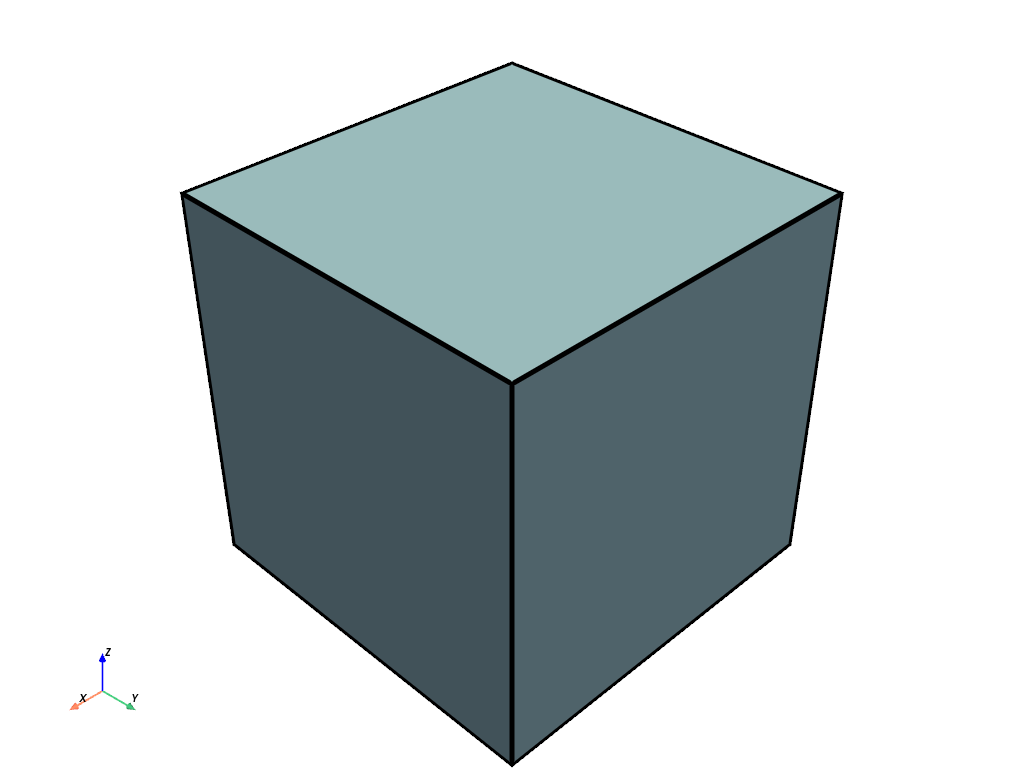
First, plot the original cube.
>>> import pyvista
>>> mesh = pyvista.Cube()
>>> mesh.plot(show_edges=True, line_width=5)
Now, plot the mesh with shrunk faces.
>>> shrunk = mesh.shrink(0.5)
>>> shrunk.clear_data()  # cleans up plot
>>> shrunk.plot(show_edges=True, line_width=5)